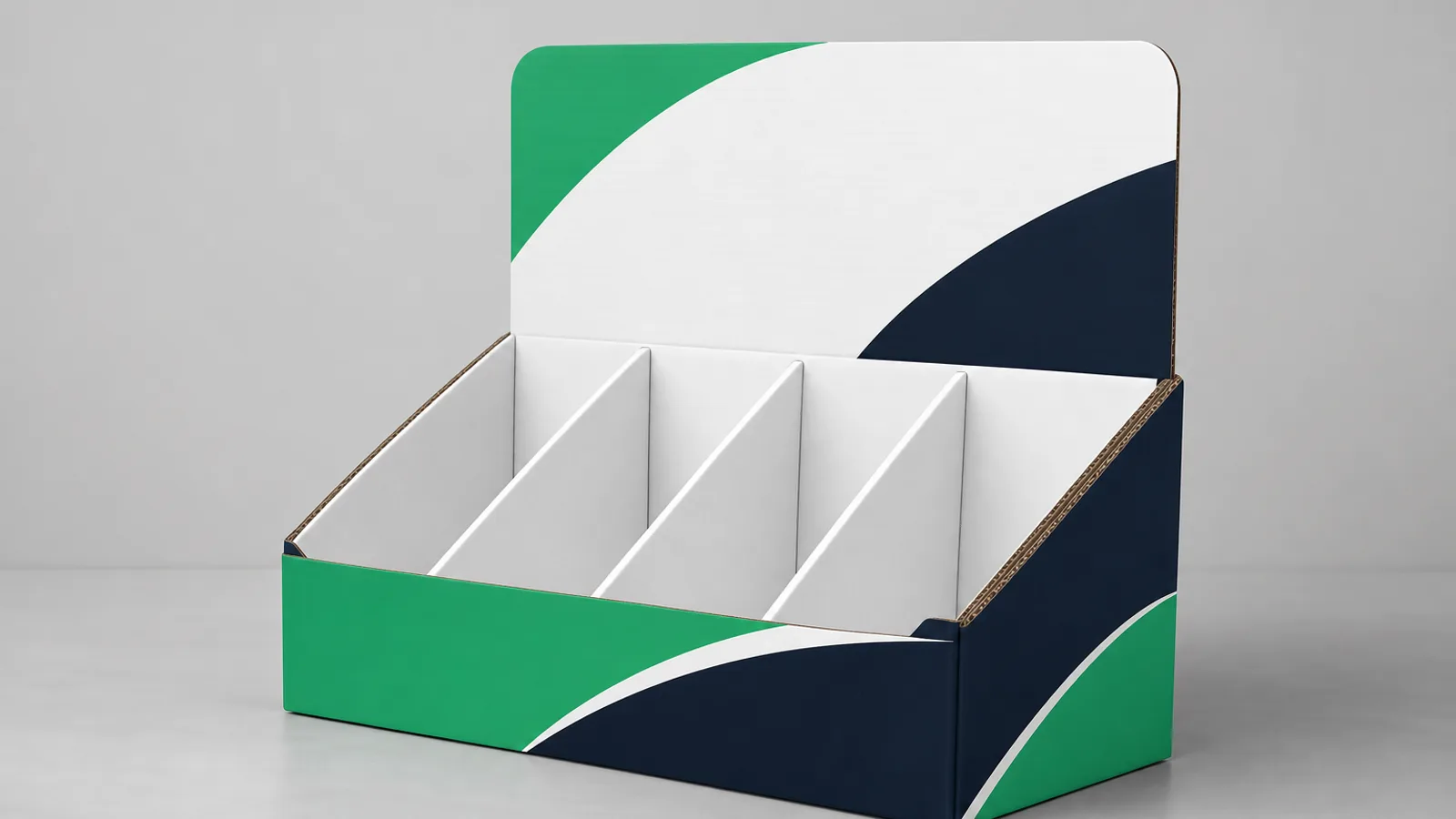
Custom packaging design is more than a logo on a box — it is panel layout, print-ready artwork, and a dieline that production can cut and score without surprises. Suppliers reject files every day for missing bleed, RGB color modes, or type placed across fold lines. BoxYourBrand produces end-to-end custom packaging for ecommerce and retail brands.
This guide covers the file specs BoxYourBrand and most US converters expect, how dielines work, and the proof workflow that gets you from concept to production in one pass. Browse custom mailer boxes for format specs and MOQ tiers.
Key takeaways
- Export press-ready PDF/X-1a with 0.125 in bleed and CMYK or spot colors.
- Keep logos and type inside safety margins — away from folds, glue tabs, and cut lines.
- Dielines are the blueprint; never design without an approved flat template.
- Free digital proofs should precede every production run.
The Custom Packaging Design Workflow
- Choose format — Mailer, folding carton, rigid, or mailer + insert. Start from custom packaging products or an industry guide.
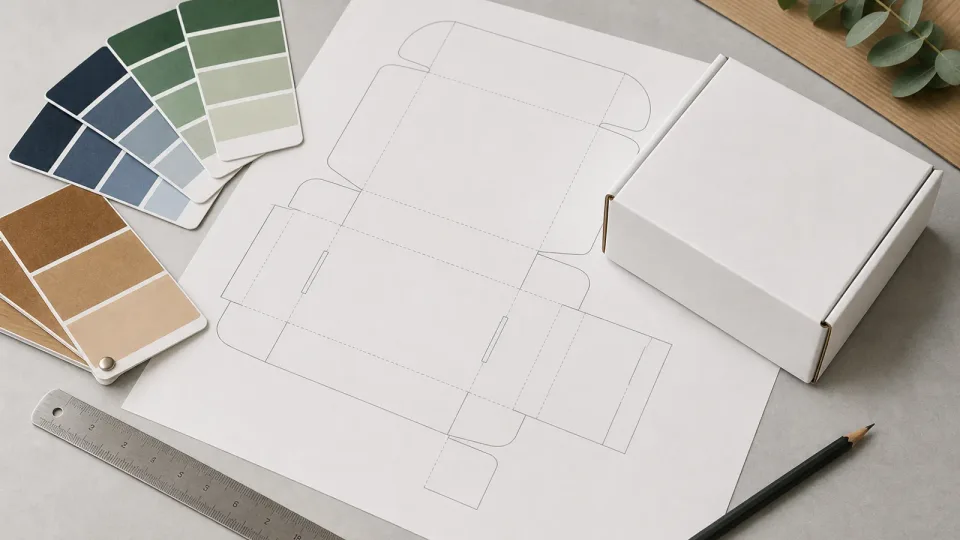
- Receive or download dieline — Flat template showing panels, folds, glue tabs, and bleed.
- Layout artwork on panels — Logo, patterns, regulatory copy, barcode zones.
- Export print PDF — Vector art, embedded fonts or outlined type, CMYK or spot colors.
- Digital proof review — 2D flat proof plus 3D preview when available.
- Approve and produce — Changes after approval may incur re-proof fees or delays.
BoxYourBrand prepares dielines and layout at no extra cost when you request a quote. Digital proofs are free before production.
Dieline Basics
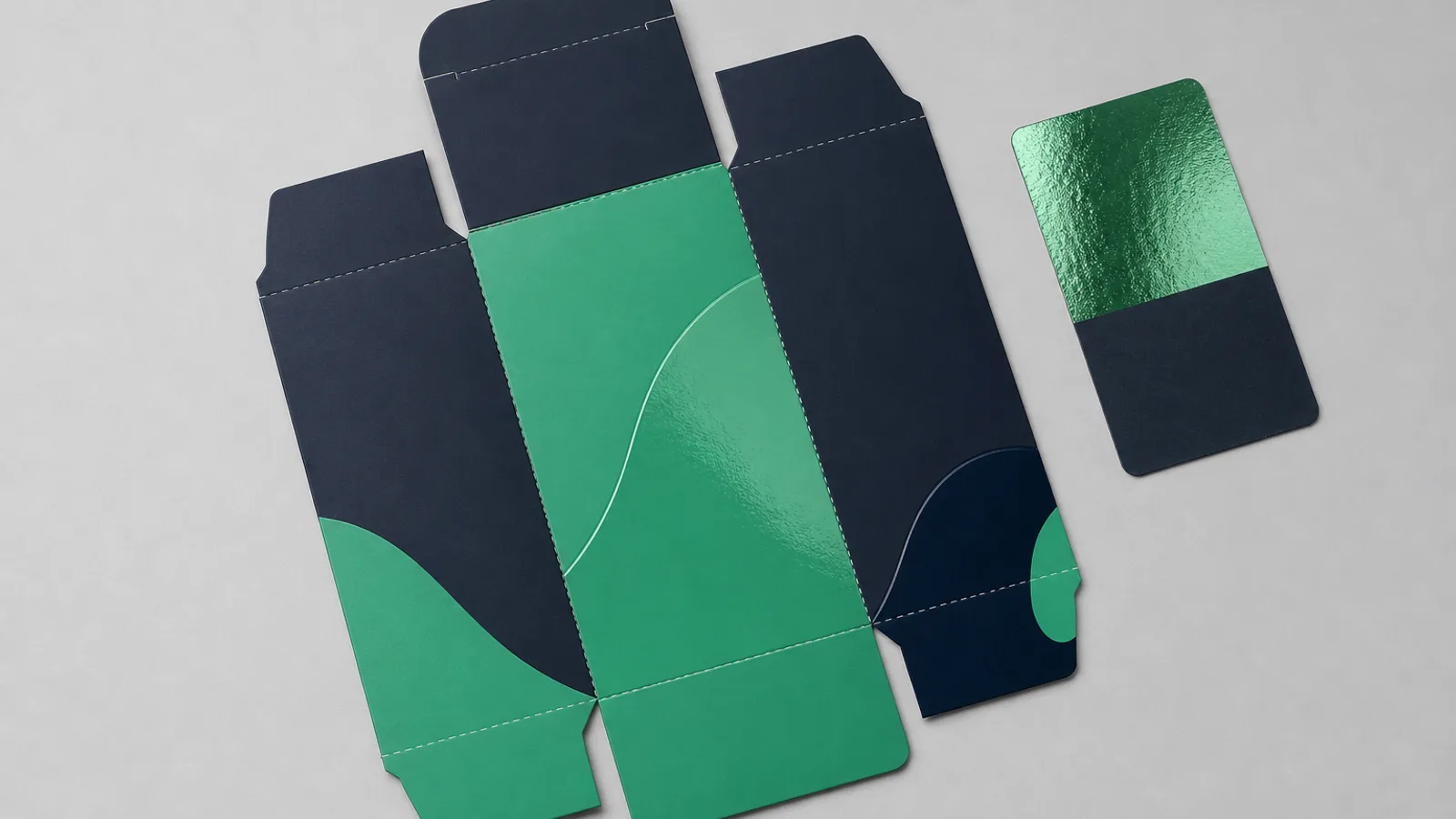
A dieline is the flat blueprint of your box before it is folded. It marks:
- Cut lines — Where the die cuts through board.
- Crease / score lines — Where the box folds.
- Glue flaps — Tabs that bond panels.
- Bleed area — Artwork extension past trim so white edges do not show.
- Safe zone — Keep logos and type inside this margin, away from folds and trim.
Never place critical text or logos across a score line — flexing at the fold cracks ink and misaligns on assembled boxes.
For mailers, reserve a carrier label zone on the top or side panel. Our custom mailing boxes with logo guide covers placement that survives fulfillment scanners and unboxing photos.
File Setup Checklist
| Requirement | Specification | Common mistake |
|---|---|---|
| File format | PDF (preferred), AI, EPS | JPEG logos stretched on panels |
| Color mode | CMYK or Pantone spots | RGB exports that shift in print |
| Resolution | Vector for logos; 300 dpi for raster | Low-res web images |
| Bleed | 0.125 in (3 mm) typical | Artwork ending exactly at trim |
| Fonts | Outlined or embedded | Missing font substitutions |
| Barcodes / QR | Vector, tested scan size | Too small or low contrast |
Custom Packaging Printing Methods
| Method | Run length | Detail | Typical formats |
|---|---|---|---|
| Digital print | 50–2,500 units | Full CMYK, quick setup | Mailers, short-run cartons |
| Flexo | 2,500+ units | Solid spots, kraft | High-volume mailers, tape |
| Litho laminate | 1,000+ units | Photographic quality | Folding cartons, retail |
| Screen / foil | Add-on finishing | Metallic, tactile | Luxury cartons, rigid lids |
Offset print / offset process (including lithography offset printing, lithographic offset, and litho offset) delivers photographic quality on folding cartons and retail wraps. Foil stamping and printing foil stamping accents are add-on finishes on lids and logo zones — not a replacement for CMYK base print.
Laser cutting boxes and intricate dielines
Laser cutting boxes and laser cut boxes use CNC laser or die-cutting to produce intricate window shapes, perforations, and custom apertures on folding cartons and mailers. Laser box cutting is common for:
- Window cartons with non-rectangular openings
- Perforated tear strips on promotional mailers
- Fine-detail retail display inserts
Share vector dielines and minimum stroke width when quoting laser-cut features — very thin bridges may need production review.
Design Tips That Survive Production
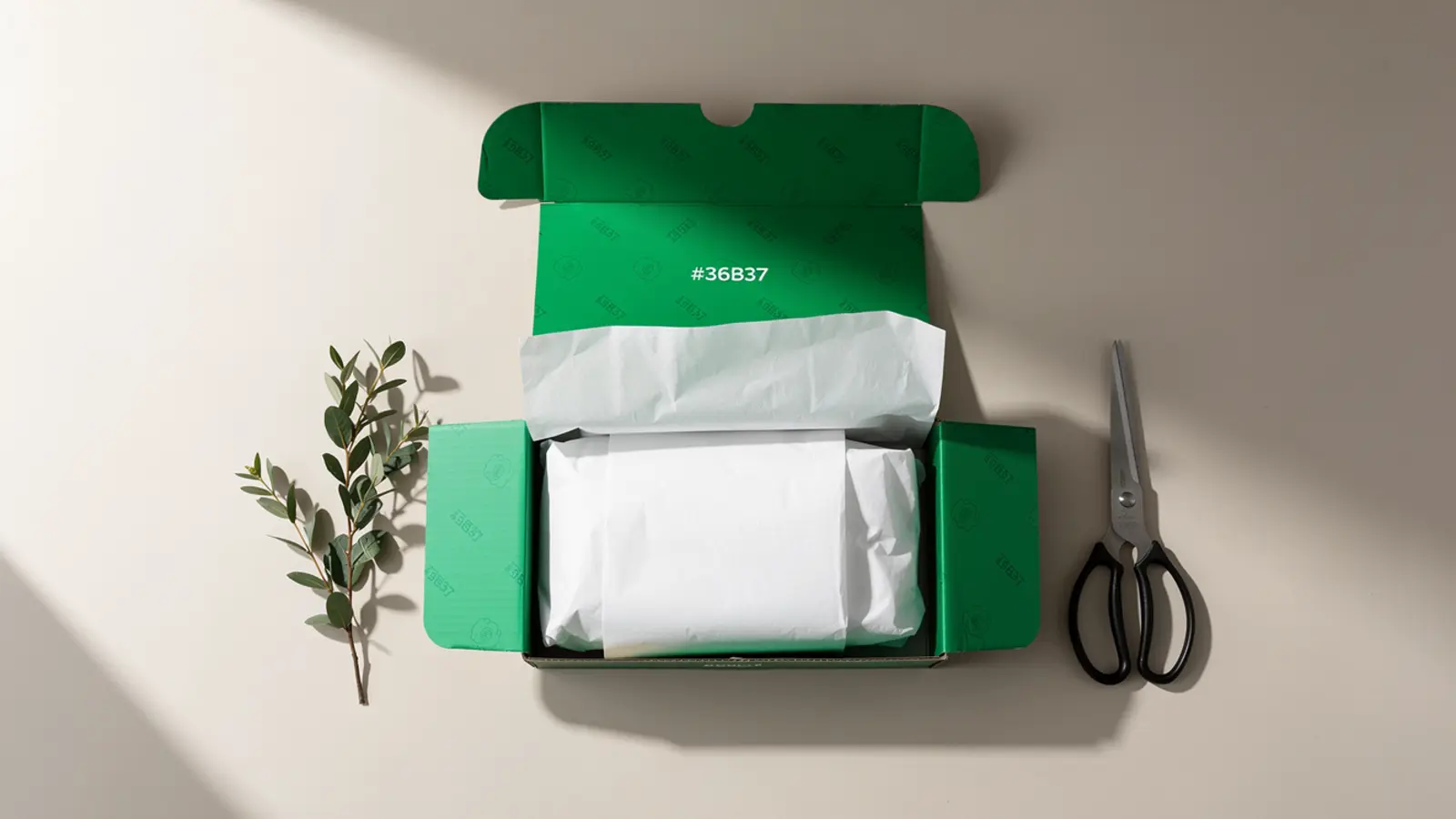
- Interior print — Patterns and thank-you messages inside the lid drive shareable unboxing. See design shareable mailer boxes.
- Contrast on kraft — Dark inks and bold patterns read better than light pastels on uncoated kraft.
- Finishing samples — Soft-touch laminate and spot UV shift color appearance; approve physical samples when budget allows.
- Stickers for flexibility — Custom stickers and labels let you refresh campaigns without reprinting entire box inventories.
From Artwork to Proof Approval
Expect a digital proof within 24 hours of submitting production-ready files. Review:
- Logo placement on every printed panel.
- Panel orientation (upside-down flaps are a common error).
- Regulatory text on cosmetic or food cartons.
- Color expectations vs on-screen CMYK proof.
Approved proofs lock the production file. Reorders of the same design move faster because dielines and plates stay on file.
Custom Packaging Artwork — Common Questions
Do I need a designer to create custom packaging design?
Not always. Brands with vector logos and simple layouts can use supplier dielines in Illustrator or Canva. Complex retail cartons, regulatory panels, or luxury finishes benefit from professional packaging design support — which BoxYourBrand includes on quoted projects.
What is a custom packaging dieline file?
A vector template showing every panel of your box flat, with cut, crease, and bleed marks. You place artwork on this file so production knows exactly where to print and die-cut.
Can I print custom packaging at home?
Home printers cannot produce production-grade corrugated or folding cartons at scale. For pilot branding, pair stock boxes with custom packaging tape or stickers until you are ready for a commercial run.
How does custom packaging printing affect turnaround?
Digital print mailers often ship in 8–12 business days after proof approval. Specialty finishes or litho laminates may extend lead time. Rush production (3–5 business days) is available on many formats — confirm on your quote.